Design Damascus patterns. Preview variants. Export clean PNGs.
Damascus Maker is a pattern design tool that helps you create and iterate Damascus-style pattern “recipes” with rendered previews. Build a recipe step‑by‑step, browse multiple variants, apply the best one back into the design, save to a local library, and export/share a high-quality PNG.
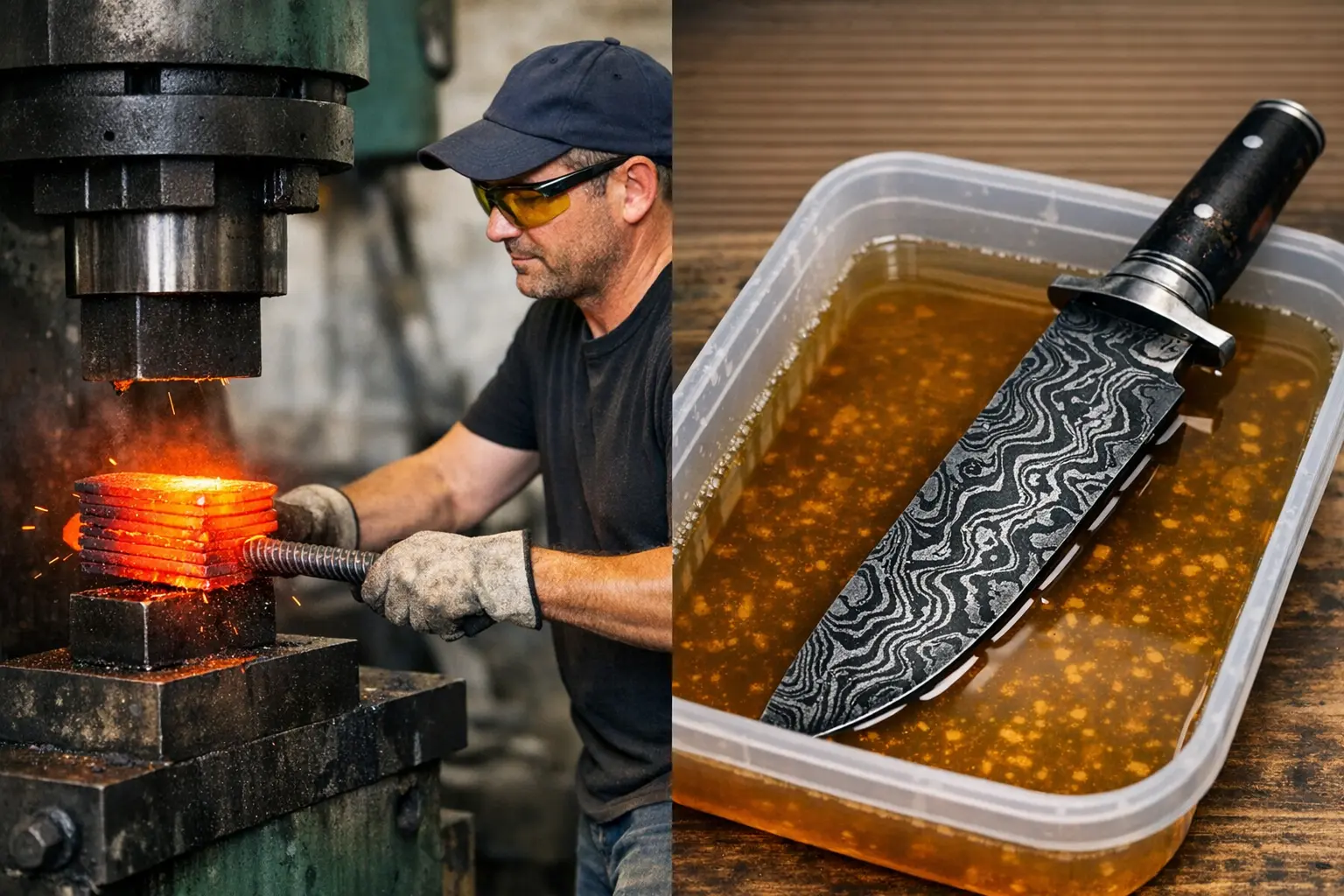
What you can do
Make pattern exploration faster, more repeatable, and easier to share.
Guided design workflow
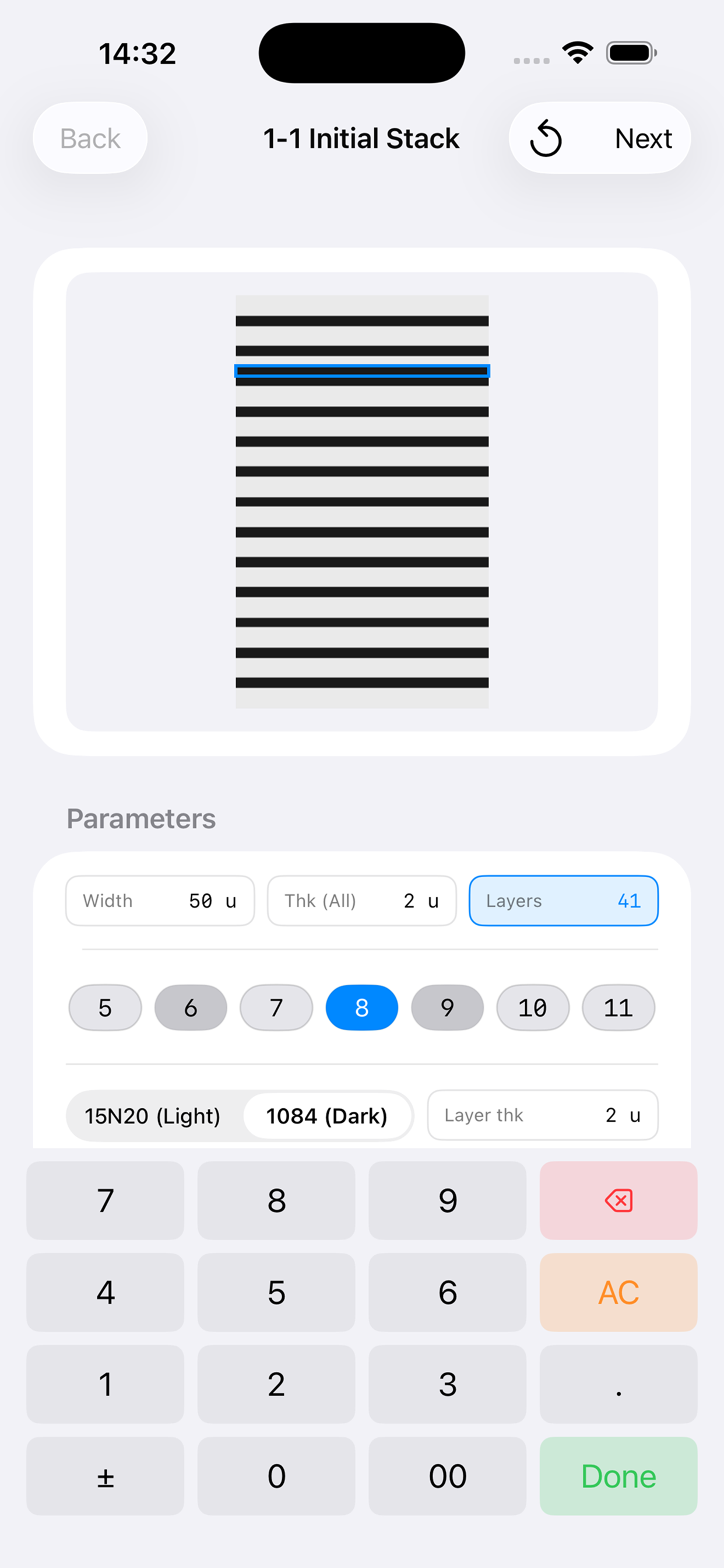
Build a pattern recipe step-by-step with a preview that updates as you go.
Browse variants
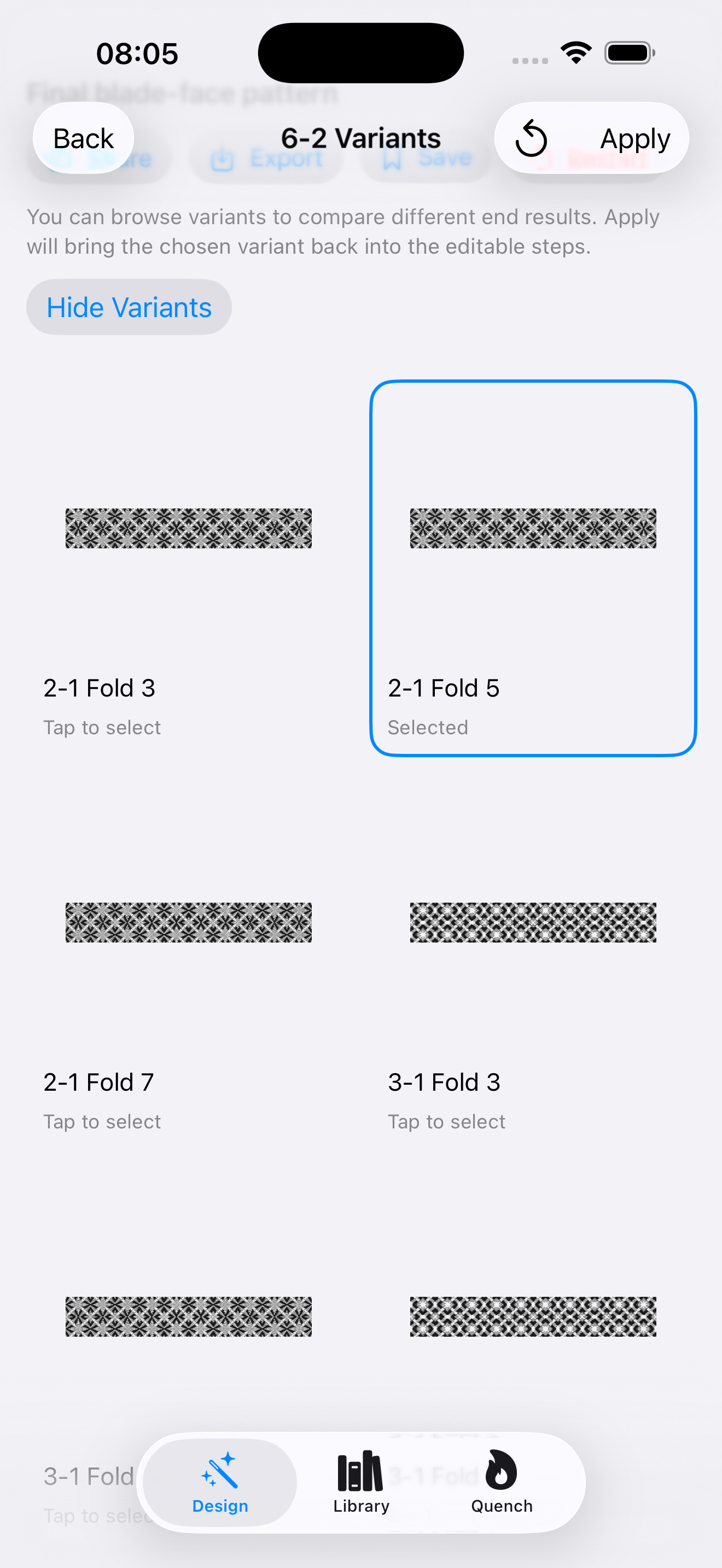
Generate and compare multiple outcomes, then pick the best direction.
Apply & keep editing
Select a variant and apply it back into your editable steps to iterate quickly.
Local recipe library
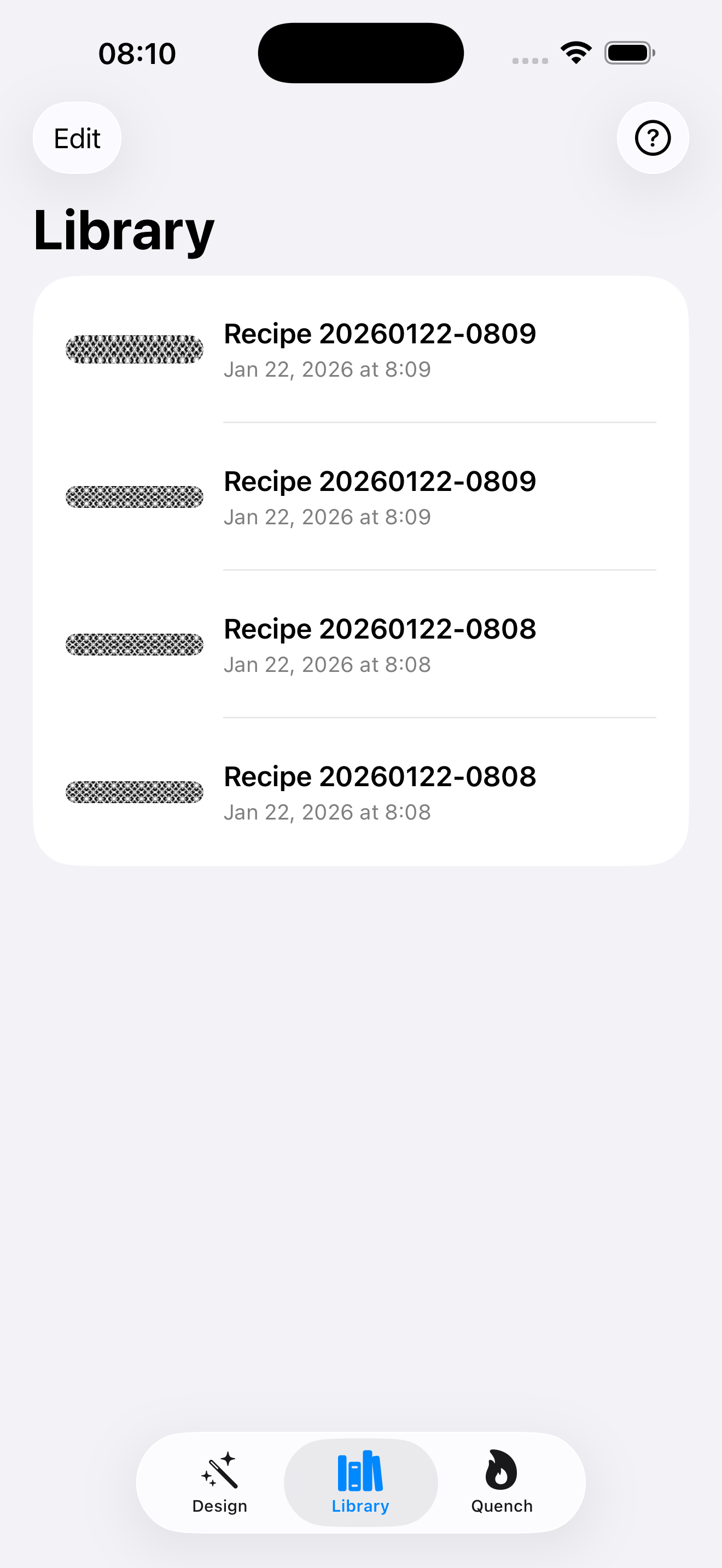
Save designs with thumbnails and reopen them later — offline.
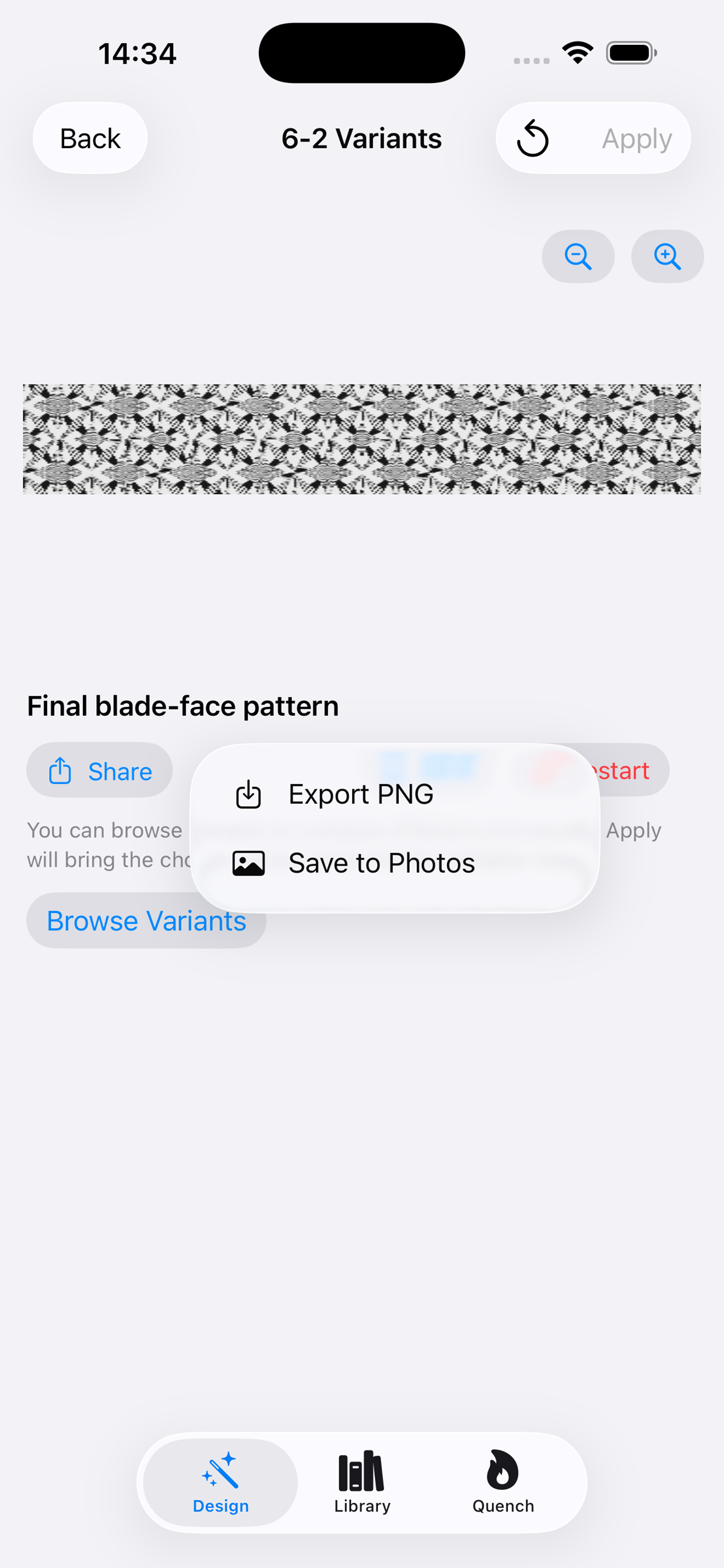
Export PNG
Share, export to Files, or save to Photos — useful for planning and documentation.
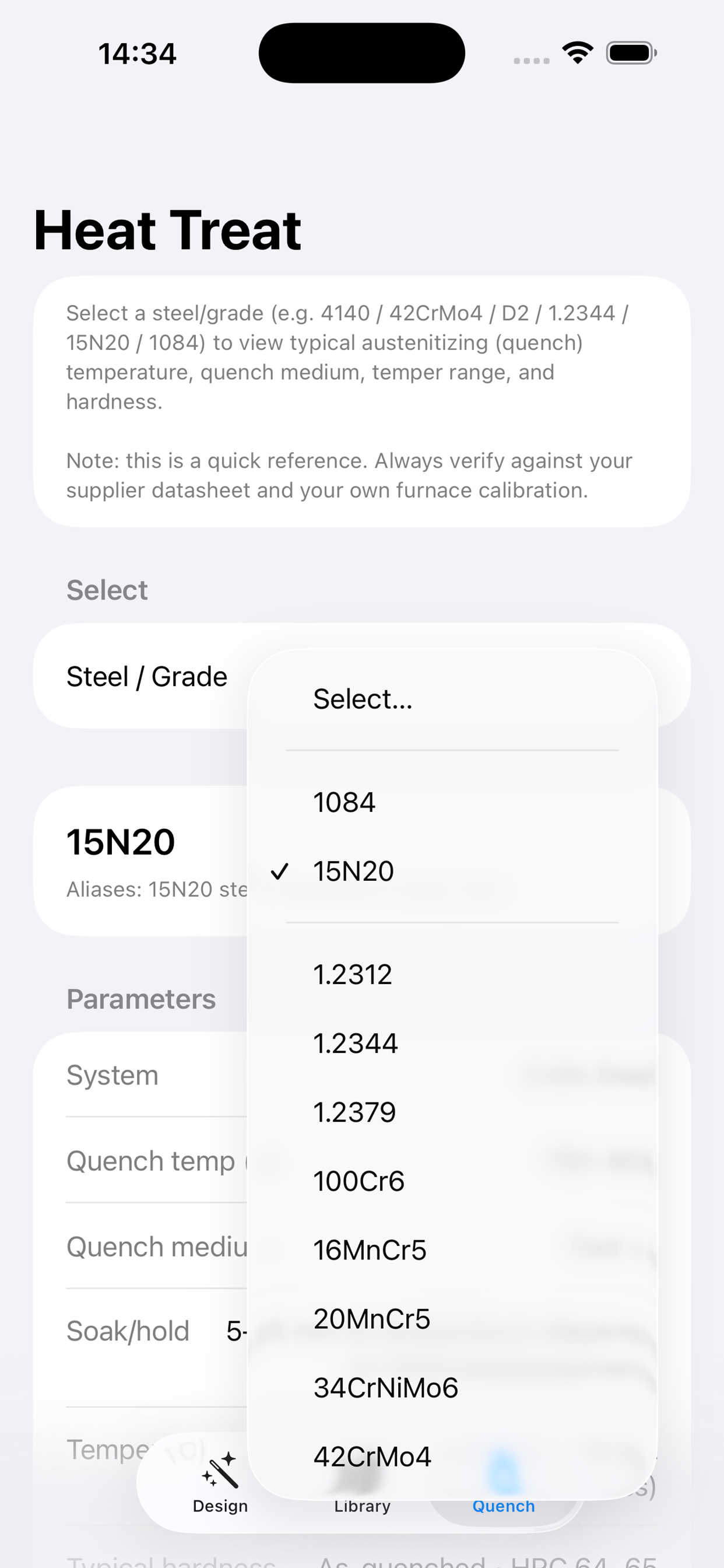
Quench reference
Built-in heat treat reference table for quick checks while you’re in the shop.
Quick tutorial
A simple flow to go from idea → preview → exported image.
FAQ
Does it work offline?
Yes. Pattern generation and rendering are performed on-device.
Does it collect any data?
No ads, no tracking SDKs. See the full Privacy Policy.
How do I share a design?
Export a PNG and share via Files/Photos or your preferred apps.
Support / contact
Download
Install on iPhone or iPad.